

Updated: April 15, 2026
Decoding the Process: How to Seamlessly Navigate Through App Updates
In the ever-evolving world of technology, app updates have become an essential aspect of maintaining the functionality and security of our digital tools. Whether it’s your favorite social media application or a critical productivity tool, updates ensure optimal performance and introduce innovative features to enhance user experience. Navigating app updates can sometimes be daunting, but understanding the process can greatly simplify the task. This comprehensive guide will explore the nuances of app updates and provide actionable insights to help you handle them effortlessly.
Understanding the Importance of App Updates
App updates play a pivotal role in the lifecycle of any application. They serve multiple purposes, from improving security to adding new features and fixing bugs. Regular updates ensure that the app remains compatible with the latest operating systems and delivers a smooth user experience.
Security is a primary concern addressed by updates. As cyber threats continue to evolve, developers release patches to protect sensitive data and prevent breaches. Updates also introduce performance enhancements, ensuring that an app runs efficiently and swiftly. Lastly, user feedback often drives updates, allowing developers to refine features and usability based on real-world usage.
Types of App Updates
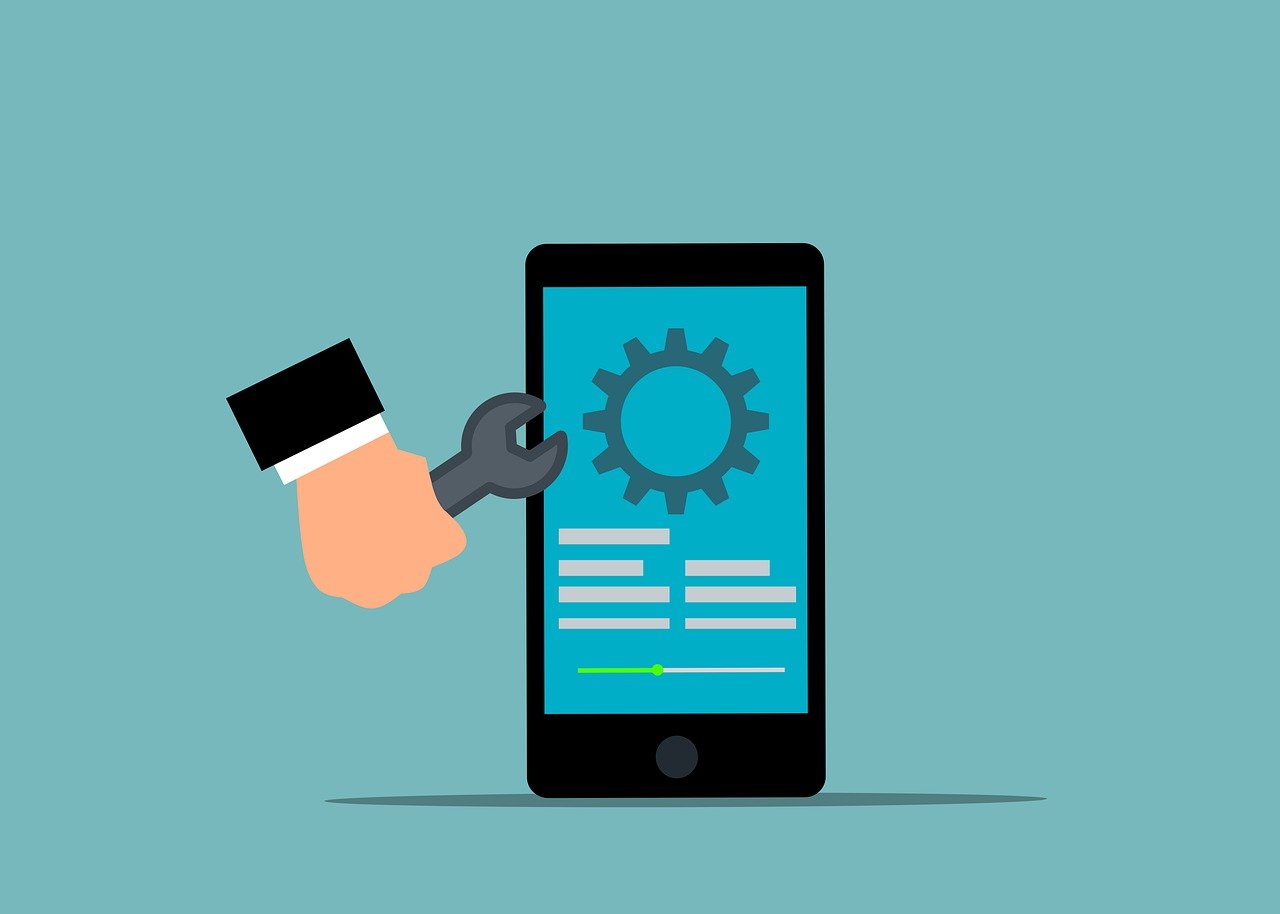
Updates can be categorized into several types, each serving distinct purposes. Understanding these categories can help users manage updates effectively:
- Security Updates: These updates patch vulnerabilities and protect the app from potential threats. They are crucial in safeguarding user data and maintaining app integrity.
- Feature Updates: These introduce new functionalities or improve existing ones, enhancing the overall user experience. They often reflect user demands and technological advancements.
- Bug Fixes: Released to resolve issues that affect the app’s performance, stability, or usability. They ensure a smooth and error-free experience.
- Compatibility Updates: These ensure that the app remains functional with the latest hardware or operating systems. As technology progresses, such updates are vital for maintaining app usability.
The Update Process: Step-by-Step
Understanding the update process can demystify the experience and present a clear path to keeping your apps current and functional. Here’s a step-by-step guide:
- Notification: Most apps notify users when an update is available. This can be through a push notification, a message within the app, or an alert from the app store.
- Review Update Notes: Before proceeding, it’s wise to review the update notes. These notes provide an overview of what’s included in the update, such as new features, bug fixes, and security patches.
- Backup Data: Although rare, updates can sometimes lead to data loss. It’s prudent to back up important data before updating, ensuring that you can restore it if needed.
- Initiate Update: Once you’re ready, initiate the update process. This can typically be done through the app store or within the app itself, depending on the platform.
- Installation: The app will download and install the update. It’s essential to ensure a stable internet connection during this process to avoid interruptions.
- Verification: After installation, verify that the app is functioning correctly. Check for new features and ensure that any previous issues have been resolved.

Common Challenges and Solutions
While updating apps is generally straightforward, users may encounter challenges. Here are some common issues and their solutions:
Insufficient Storage
Lack of storage space can impede the update process. It’s crucial to ensure that your device has enough space for the update. Consider deleting unused apps or large files to free up space. Many devices offer storage management tools that can help identify and eliminate unnecessary data.
Connectivity Issues
Updates require a reliable internet connection. If you’re experiencing connectivity issues, try switching to a different network or resetting your router. Additionally, downloading updates over a Wi-Fi connection is often more stable than using mobile data.
Update Failures
Occasionally, updates may fail due to server issues or corrupted files. In such cases, restarting your device and attempting the update again can resolve the problem. If the issue persists, contacting customer support may be necessary to identify and address the root cause.
Best Practices for Managing App Updates

To ensure a seamless update experience, consider adopting these best practices:
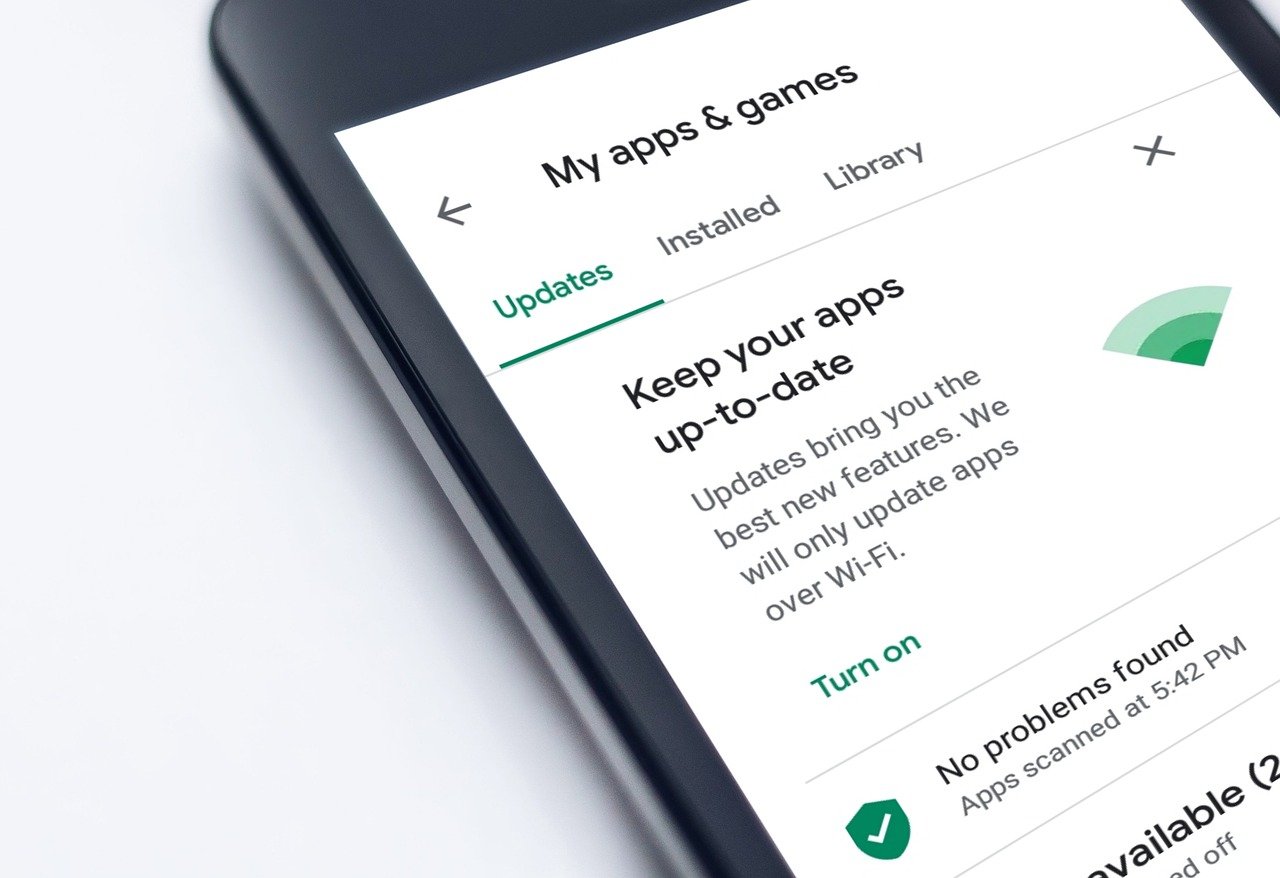
- Enable Automatic Updates: Most devices allow users to enable automatic updates. This feature ensures that your apps are always up-to-date without requiring manual intervention.
- Regularly Check for Updates: Even with automatic updates enabled, it’s beneficial to periodically check for updates manually. This ensures that you don’t miss any critical updates that might require manual approval.
- Stay Informed: Follow app developers on social media or subscribe to newsletters to stay informed about upcoming updates and new features.
- Read User Reviews: Before updating, read user reviews to gauge the update’s impact. This can provide insights into any potential issues or benefits associated with the update.
The Future of App Updates
As technology advances, the process of updating apps will continue to evolve. With the rise of DevOps practices and continuous delivery, updates are becoming more frequent and seamless. In the future, we can expect even greater integration between apps and cloud services, allowing for real-time updates that require minimal user intervention.
Additionally, the use of artificial intelligence and machine learning will likely enhance the update process by predicting and prioritizing updates based on user behavior and preferences. This will lead to a more personalized and efficient update experience, ensuring that users always have the latest and most relevant features at their fingertips.
Takeaways
Navigating app updates doesn’t have to be a cumbersome task. By understanding the importance of updates, recognizing different types, and following best practices, you can ensure that your apps remain secure, efficient, and packed with the latest features. Embracing the update process is a small investment that yields significant returns in terms of functionality, security, and user satisfaction. As technology continues to advance, staying informed and proactive about app updates will empower you to make the most of your digital tools.

Leveraging User Feedback for Improved Updates
One of the most effective ways developers refine and improve apps is through user feedback. By actively engaging with users and incorporating their suggestions, developers can ensure that updates meet the actual needs of the community. Here’s how user feedback plays a pivotal role in enhancing the update process:
User Reviews and Ratings
App stores provide a platform for users to share their experiences through reviews and ratings. These insights are invaluable for developers, highlighting both the strengths and areas for improvement. By analyzing common themes in user feedback, developers can prioritize features and fixes that will have the most impact.
Beta Testing Programs
Many developers run beta testing programs, allowing a select group of users to try out new features before they’re released to the general public. This approach not only helps in identifying potential bugs but also provides an opportunity to gauge user reactions to new functionalities. Interested users can often join these programs to provide direct feedback and contribute to the app’s development.
Community Forums and Social Media
Engaging with users through community forums and social media channels offers developers a direct line to their audience. Whether it’s addressing concerns, gathering feedback, or sharing the roadmap for future updates, these platforms foster a collaborative environment where users feel heard and valued.

Impact of App Updates on User Experience
App updates significantly influence the overall user experience. A well-executed update can enhance functionality and satisfaction, while poorly managed updates might lead to frustration. Here’s how updates can impact user experience:
Enhanced Functionality
Updates often introduce new features that improve the app’s usability and value. For instance, the addition of a dark mode can enhance user comfort during nighttime use, while integration with other services can streamline workflows and increase productivity.
Stability and Performance
Bug fixes and performance improvements are critical aspects of many updates. Addressing issues that cause crashes or slowdowns ensures that users have a smooth and reliable experience. This is particularly important for productivity apps where downtime can have a significant impact.
User Interface Improvements
Updates frequently include tweaks and changes to the user interface, making it more intuitive and user-friendly. A well-designed interface can significantly enhance the overall user experience, making the app more accessible and enjoyable to use.
Conclusion: Embracing a Seamless Update Strategy
In conclusion, navigating app updates is an essential skill for modern technology users. By understanding the different types of updates, the process involved, and the impact on user experience, you can effectively manage updates and leverage them to your advantage. Embracing a proactive approach to updates ensures that your apps remain secure, functional, and equipped with the latest features, enhancing your overall digital experience. Stay informed, provide feedback, and enjoy the benefits that come with keeping your apps up-to-date in this dynamic digital landscape.







Leave a Reply