
Updated: April 15, 2026
Decoding the Process: How to Seamlessly Navigate Through App Updates
In today’s fast-paced digital world, app updates are a constant. They are essential to improve functionality, enhance security, and introduce new features. However, the process of updating apps can sometimes seem daunting, especially when you are not familiar with the intricacies involved. This comprehensive guide will help you understand the importance of app updates and how to navigate them seamlessly.
Understanding the Importance of App Updates
App updates are crucial for several reasons. First and foremost, they enhance security. With cyber threats evolving rapidly, developers must constantly patch vulnerabilities to protect user data. Updates also improve app performance by fixing bugs and glitches that may have been present in previous versions. Additionally, they introduce new features that enhance user experience, keeping the app relevant and competitive in the market.
Types of App Updates
There are generally two types of app updates: minor and major updates. Minor updates are usually incremental, focusing on bug fixes and performance improvements. They are typically released more frequently and require less bandwidth to download. On the other hand, major updates are comprehensive and introduce significant changes or new features. They can be less frequent but are equally important as they often redefine the app’s capabilities.
Preparing for App Updates
Preparation is key to ensuring a smooth update process. Start by backing up your data. While most updates are designed to be seamless, there is always a risk of data loss. Backing up ensures that you can restore your data if anything goes wrong during the update.
Next, ensure that your device meets the system requirements for the update. Some updates may require more advanced software or hardware capabilities. Checking these requirements beforehand can prevent potential issues.
Executing App Updates
Executing app updates is a straightforward process, but it can vary depending on your device and operating system. Here’s a step-by-step guide for both iOS and Android users:

Updating Apps on iOS
- Open the App Store on your device.
- Tap on your profile icon located at the top right corner of the screen.
- Scroll down to find the list of apps with available updates.
- Tap ‘Update All’ to update all apps simultaneously or select individual apps to update.
- Wait for the updates to download and install.
Updating Apps on Android
- Open the Google Play Store on your device.
- Tap on the menu icon (three horizontal lines) in the top left corner.
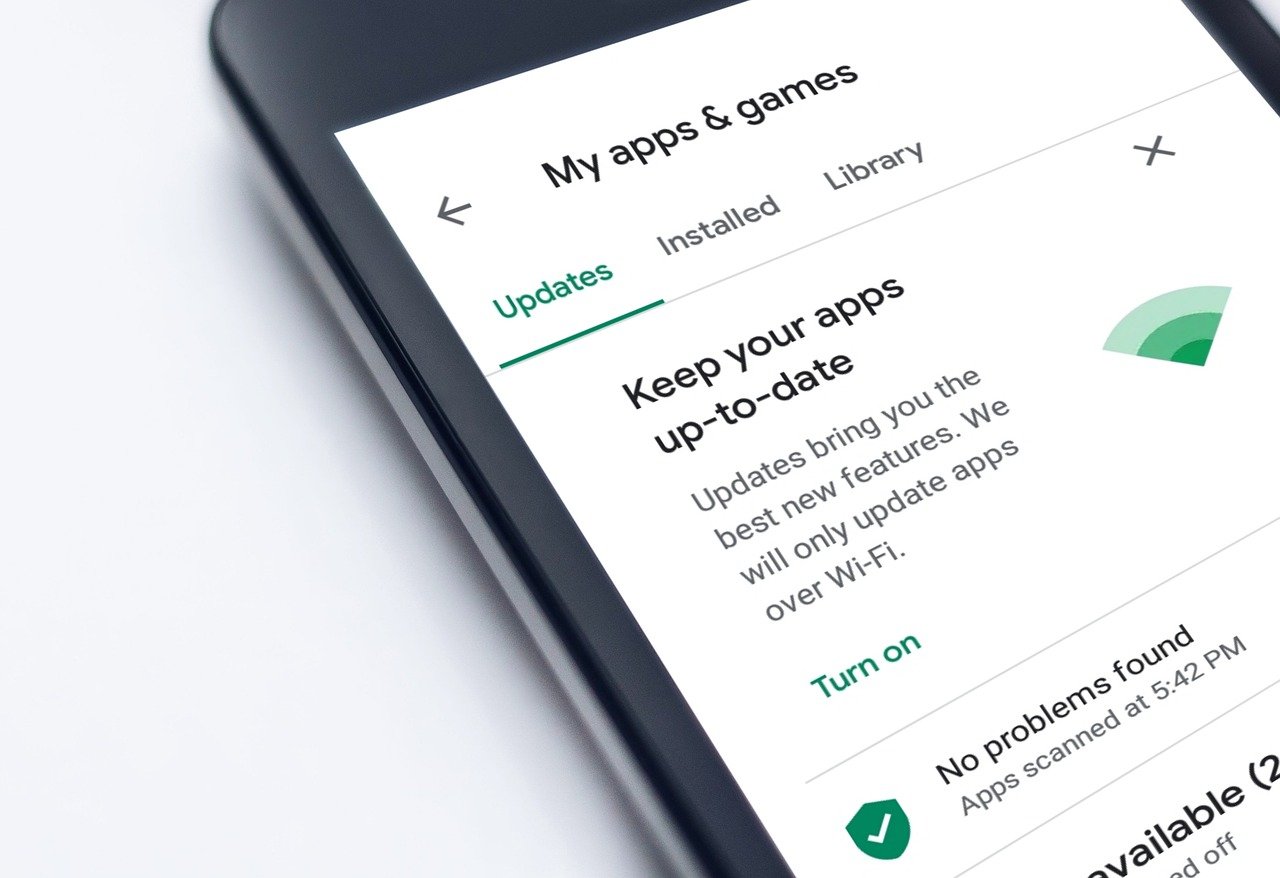
- Select ‘My apps & games’.
- Under the ‘Updates’ tab, you’ll see the list of apps with available updates.
- Tap ‘Update All’ or choose specific apps to update.
- Wait for the updates to complete.
Common Issues and Troubleshooting
Despite the straightforward process, users may encounter issues during app updates. Here are some common problems and their solutions:
Insufficient Storage Space
If your device doesn’t have enough storage space, the update may not proceed. To resolve this, consider deleting unused apps or files. Alternatively, transfer data to cloud storage or an external device to free up space.
Connectivity Issues
Updates require a stable internet connection. Slow or unstable connections can lead to incomplete updates. Ensure you are connected to a reliable Wi-Fi network. If problems persist, try restarting your router or switching to a different network.
Compatibility Problems
Some updates may not be compatible with older devices. Check the app’s update notes for compatibility information. If your device is unsupported, it might be time to consider an upgrade.
Benefits of Keeping Apps Updated
Regularly updating your apps offers numerous benefits. Updated apps tend to run more efficiently, providing a smoother user experience. They also offer enhanced security, protecting your data from potential threats. Furthermore, updates can provide new and exciting features, keeping the app fresh and engaging.
Companies like Wired emphasize the importance of regularly updating apps to safeguard your information and enhance functionality.
The Future of App Updates

As technology continues to evolve, so does the process of updating apps. The future may see more seamless and automated updates, reducing the need for user intervention. Developers are also exploring ways to minimize update sizes and improve the efficiency of the update process.
Additionally, artificial intelligence and machine learning are playing a significant role in app development. These technologies can predict user behavior and tailor updates to individual needs, offering a more personalized experience.
Takeaways
Navigating the process of app updates doesn’t have to be a daunting task. By understanding their importance, preparing adequately, and following the correct procedures, you can ensure a seamless update experience. Remember, keeping your apps updated is not just about enjoying new features; it’s also about protecting your device and data from potential threats. As technology advances, the process will only become more streamlined, making it easier for users to stay current with the latest developments.
For more information on app updates and their impact on your devices, consider exploring resources from trusted technology publications such as CNET.
Tips for Managing App Updates Efficiently
Managing app updates can become overwhelming, especially if you have numerous apps installed on your device. Here are some strategies to help you manage updates more effectively:
Enable Automatic Updates
Most devices offer an option to enable automatic updates, ensuring that your apps are always up to date without requiring manual intervention. This feature is particularly useful for users who may forget to check for updates regularly. However, keep in mind that automatic updates can consume data if you are not connected to Wi-Fi, so adjust your settings accordingly.
Schedule Updates During Off-Peak Hours
To avoid interruptions during critical tasks, consider scheduling updates during off-peak hours, such as overnight. This way, you wake up to updated apps without having to wait for them to install during your busy day.
Prioritize Essential Apps
Not all apps require immediate updates. Prioritize updates for essential apps that you use frequently or those that handle sensitive information. Less critical apps can be updated manually at a later time.

Stay Informed About Updates
Keep an eye on update notifications and read the release notes to understand what changes or improvements are included. This can help you decide whether to prioritize a particular update or wait for feedback from other users.
Regularly Review Your App List
Take the time to review your app list periodically and uninstall apps that you no longer use. This not only frees up storage space but also reduces the number of updates you need to manage. Additionally, removing unused apps can enhance your device’s performance and security.
The Role of User Feedback in App Updates
User feedback plays a vital role in the app update process. Developers rely on feedback to identify bugs, understand user preferences, and prioritize feature requests. Engaging with the app community by providing feedback can contribute to more effective updates and improvements.
Platforms like Forbes highlight how incorporating user feedback helps developers create more user-centric applications. This collaborative approach ensures that updates not only address technical issues but also align with user expectations.
Conclusion: Embrace the Update Culture
In conclusion, app updates are an integral part of the digital ecosystem, enhancing security, performance, and functionality. By understanding the update process and implementing effective management strategies, users can make the most of their apps while keeping their devices secure. Embrace the update culture and view each update as an opportunity to improve your app experience.
Staying informed and proactive about app updates can transform them from a chore into an opportunity to enhance your digital life. As technology continues to advance, so will the nature of updates, making them more seamless and user-friendly. By adopting a positive approach to app updates, you can ensure that you are always equipped with the latest features and security enhancements, keeping your digital experience both enjoyable and secure.
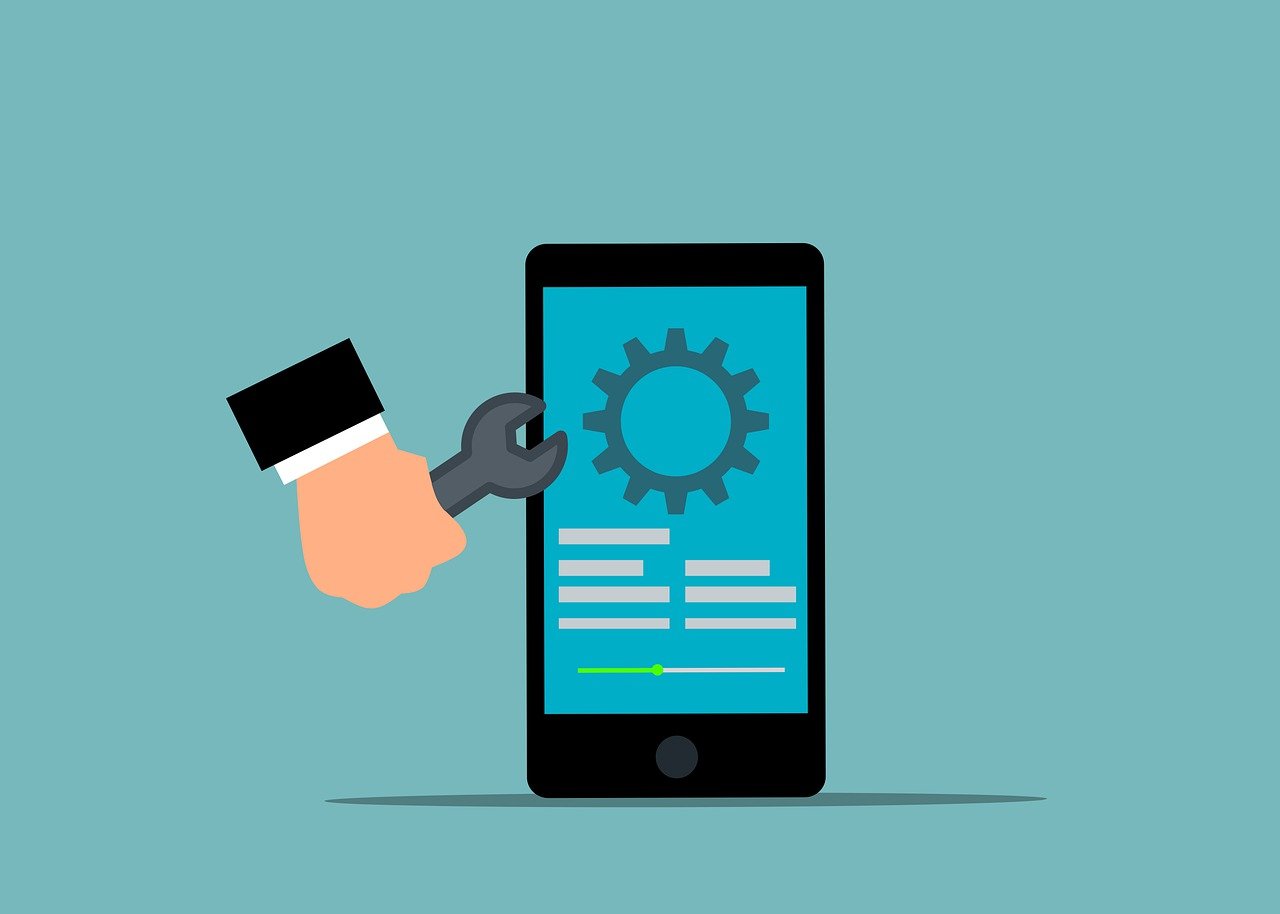
Exploring Advanced Update Strategies for Businesses
For businesses, managing app updates requires a strategic approach to ensure minimal disruption to operations and optimal performance for end-users. Here are some advanced strategies businesses can adopt for effective app update management:
Version Control and Rollback Planning
Implementing a robust version control system is essential for businesses to track changes across different app versions. This system allows developers to manage updates efficiently and provides a safety net by enabling quick rollbacks to previous versions if an update causes issues.
Phased Rollouts
Phased rollouts involve releasing updates to a small percentage of users before a full-scale deployment. This strategy helps identify potential issues and gather user feedback in a controlled environment, reducing the risk of widespread disruptions.
Continuous Integration and Continuous Deployment (CI/CD)
CI/CD practices involve automating the app development and deployment process, allowing for more frequent and reliable updates. By integrating testing and deployment into the development workflow, businesses can ensure that updates are thoroughly vetted before reaching end-users.
Organizations like Atlassian provide comprehensive insights into the benefits of CI/CD, emphasizing how these practices improve software quality and accelerate release cycles.
Ensuring User Adoption of Updates
Even with seamless update processes in place, ensuring that users adopt updates promptly is crucial for maximizing the benefits. Here are some strategies to encourage user adoption:
Effective Communication
Communicate the benefits and features of updates clearly to users. Highlight how the update enhances their experience or addresses previous issues. Using in-app notifications or email campaigns can effectively convey this information.
Incentivizing Updates
Offering incentives for updating, such as exclusive features or rewards, can motivate users to adopt the latest version of the app. This strategy not only boosts user engagement but also ensures that more users benefit from improved security and functionality.

Streamlined Update Experience
Ensuring that the update process is user-friendly and minimally intrusive is key to encouraging adoption. This can involve optimizing update sizes, providing clear instructions, and minimizing downtime during the update process.
Looking Ahead: The Evolution of App Updates
The landscape of app updates is continually evolving with technological advancements, promising even more streamlined processes and innovative features. Here are some trends shaping the future of app updates:
AI-Powered Updates
Artificial intelligence is increasingly being leveraged to predict user needs and tailor updates accordingly. AI can analyze user behavior and preferences, enabling developers to prioritize features that align with user expectations and streamline the update process.
Decentralized Update Systems
With the rise of blockchain technology, decentralized update systems are gaining traction. These systems offer enhanced security and transparency, reducing the risks associated with centralized update distribution.
Real-Time Updates
Real-time updates could become the norm, allowing apps to receive updates instantly without requiring user intervention. This approach ensures that users always have access to the most current version of an app, enhancing security and performance.
Resources from InfoWorld discuss these emerging trends, providing insights into how they are set to transform the app update landscape.
Final Thoughts
In a world where technology is constantly evolving, staying current with app updates is essential for both individual users and businesses. Understanding the update process, implementing effective management strategies, and fostering user adoption are key to reaping the full benefits of updates. As updates become more seamless and intelligent, they will continue to enhance the digital experiences we rely on every day.
By embracing these advancements and maintaining a proactive approach to app updates, users and businesses alike can ensure they remain at the forefront of technology, enjoying improved security, functionality, and user experiences.







Leave a Reply